

A website can look stylish and still feel frustrating. In 2026, the difference between “pretty” and “effective” is usually UI/UX: how quickly someone understands what you do, how easily they move through the page, and how confident they feel clicking the next step.
At bellafluxdesign, I design websites that feel calm, modern, and easy to use—because the smoother the experience, the more likely visitors are to trust you, stay longer, and reach out.
Make the first screen do one job: remove confusion
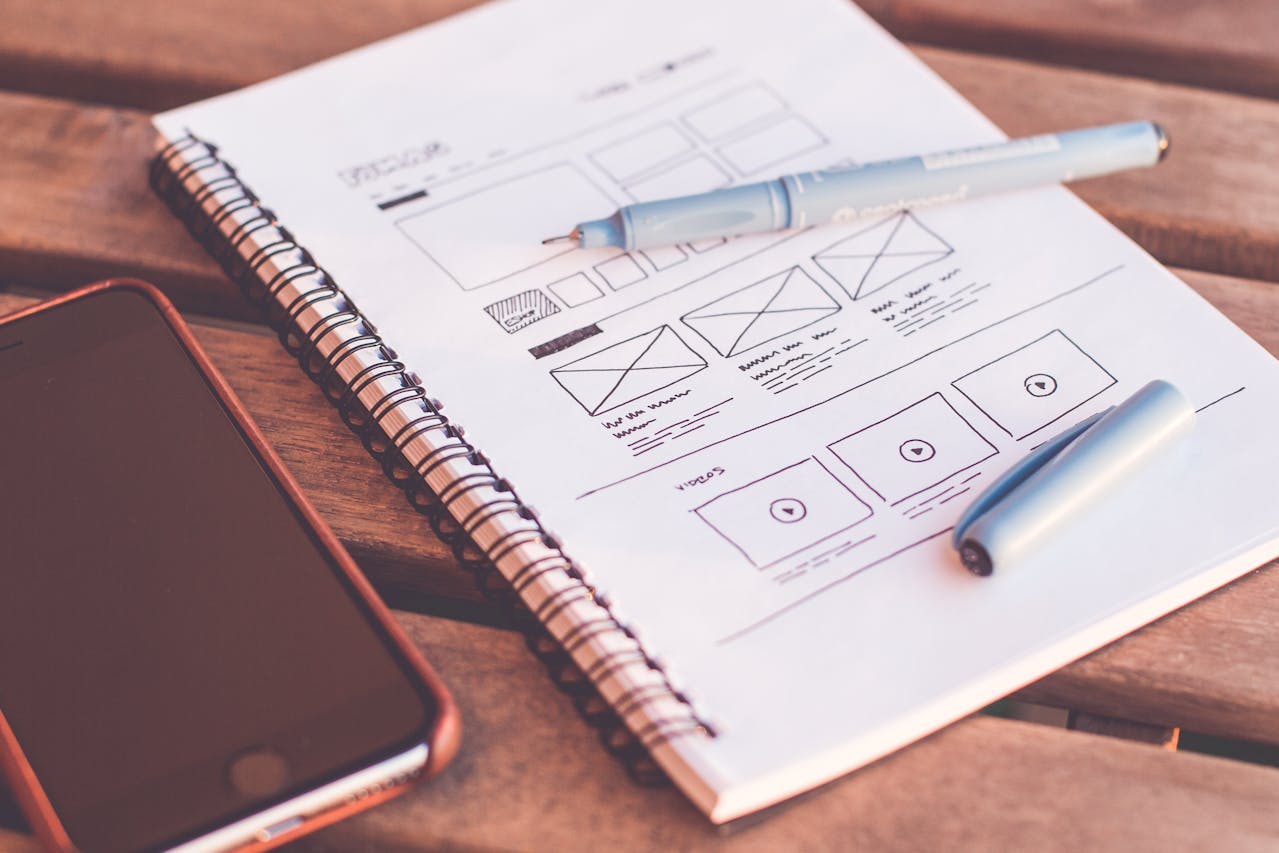
Most people decide in a few seconds whether they’re in the right place. That’s why your hero section should be simple and direct. One clear headline, one supporting sentence, one primary call-to-action.
If your first screen tries to show everything—services, story, awards, and three different buttons—it creates hesitation. And hesitation is the quiet killer of conversions.
A strong hero communicates:
- what you do
- who it’s for
- what happens next (book, request a quote, contact)
Design for scanning, not reading
People don’t “read” websites the way they read articles. They scan. Your job is to make scanning feel productive.
That means clean section blocks, short paragraphs, and strong hierarchy—so the eye naturally lands on the important parts. A visitor should be able to skim the page and still understand your offer, your proof, and your next step.
When a site is scan-friendly, it feels premium. When it’s dense, it feels tiring.
Typography is your strongest design tool

If you want your website to instantly feel more professional, start with typography. Clean type choices, consistent sizing, comfortable line spacing, and enough white space around text will do more than any fancy animation.
The goal is “effortless reading.” If your text feels heavy, cramped, or too small on mobile, visitors will bounce—even if they like your brand.
Mobile-first isn’t optional
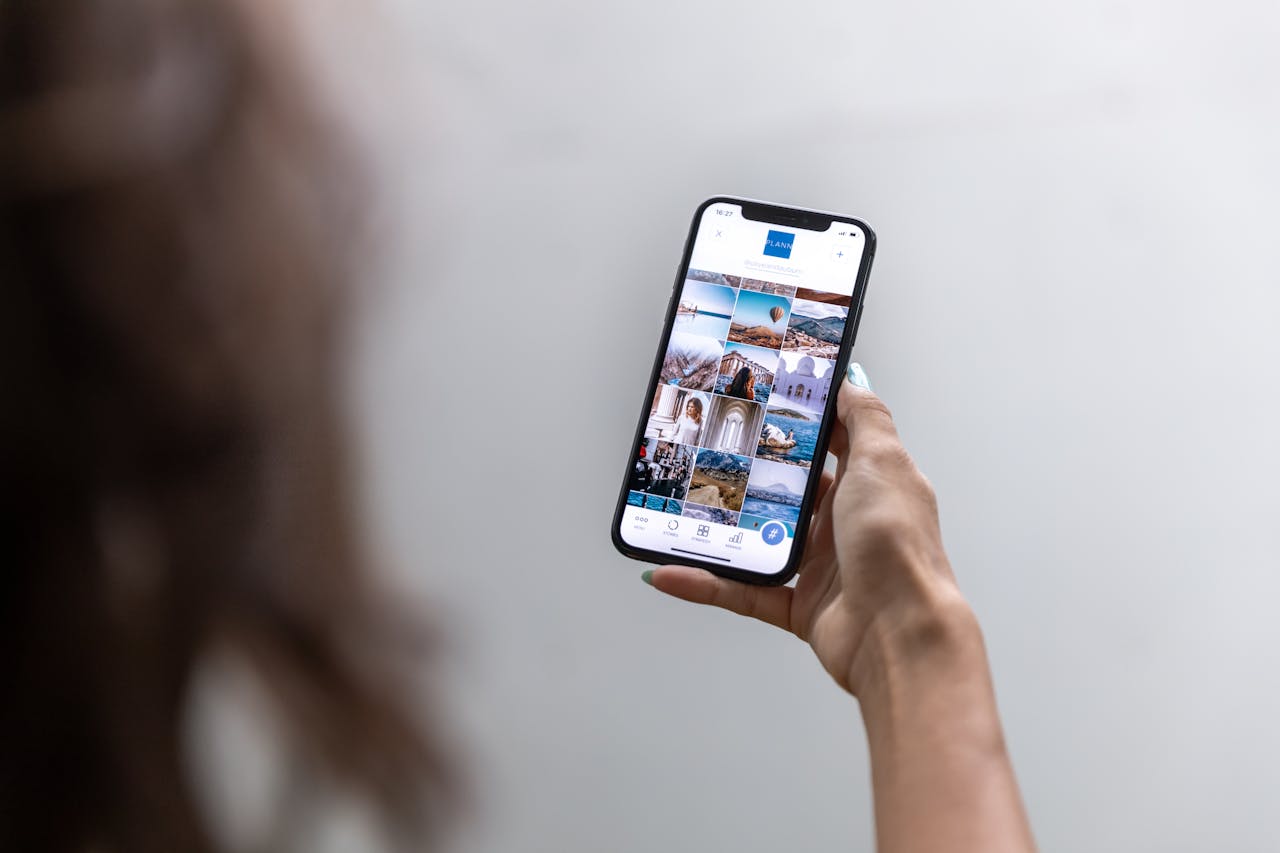
Most of your traffic is likely on mobile. Mobile UX is not just “responsive”—it’s thumb-friendly and frustration-free.
A mobile-first design means:
- buttons big enough to tap easily
- forms that don’t feel like a long application
- sections that stack logically
- text that’s readable without zoom
- a contact path that’s always easy to find
If your mobile experience is clean, your desktop experience becomes even better.
The micro-details that quietly increase conversions
Small things create a feeling of trust. They’re not flashy, but they change how people behave:
Clear button labels that describe the outcome (not “Submit,” but “Request a Quote” or “Book a Call”). Short reassurance near forms (“Reply within 1 business day”). Consistent spacing and alignment, so the layout feels intentional. Simple navigation that doesn’t force users to hunt.
When these details are handled, the website feels “easy.” And when it feels easy, people act.